> For the complete documentation index, see [llms.txt](https://docs.aqua-cloud.io/documentation/llms.txt). Markdown versions of documentation pages are available by appending `.md` to page URLs; this page is available as [Markdown](https://docs.aqua-cloud.io/documentation/product-updates-for-on-premise-customers/product-updates/2025/25.10.0-on-premise.md).
# 25.10.0 - On Premise
Stay current with on-premise version 25.10.0 updates - review release notes, new features, and important enhancements tailored for your on-premise deployment.
We’ve been hard at work for the last few weeks incorporating your feedback into our latest release. This update is packed with features and improvements designed to make your workflows smoother, faster, and more flexible.
Here’s everything we’ve introduced and improved:
## ✨**Autosave test executions**
We know how frustrating it is to lose progress. With our new autosave functionality, your test executions are now automatically saved, giving you peace of mind even during unexpected interruptions. Whether you step away or face a sudden system issue, your work is secure and ready to resume.\
[Learn more →](https://docs.aqua-cloud.io/documentation/desktop-client/test-management/test-execution/autosave-of-a-test-execution)
## ✨ **Better list formatting in the editor**
We’ve refined the way lists are formatted in the editor. This ensures that the content structure is clean and consistent, especially when generating reports or printing. No more formatting issues or unexpected list behaviors—just professional-quality outputs every time.
## ✨ **Enhanced defect creation for Failed/Blocked test executions**
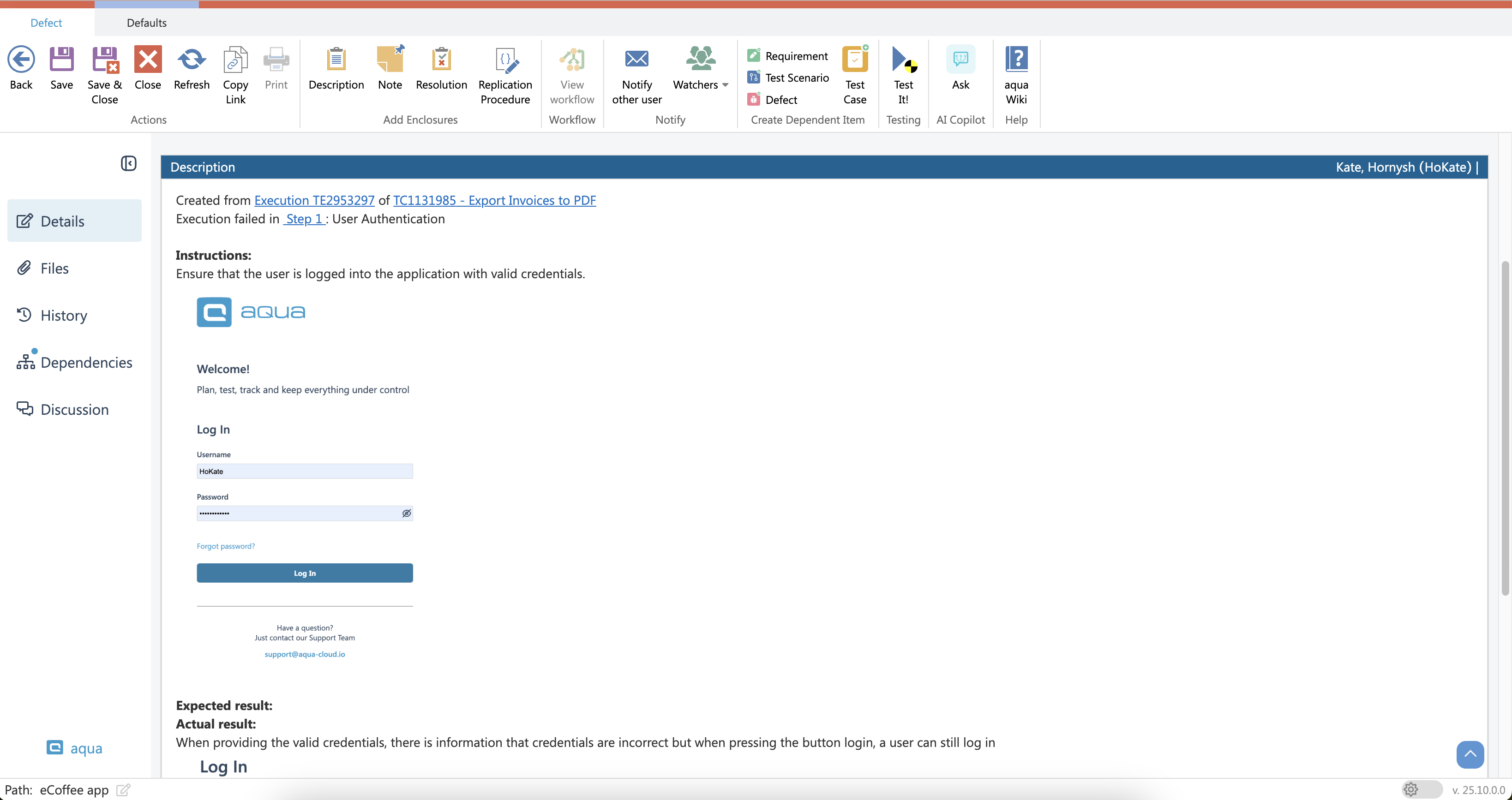
When creating defects from failed or blocked test executions, you now have greater flexibility. The new structure allows for easier modification of defect details, even after creation. Additionally, it ensures a more seamless sync with Jira, reducing the risk of losing valuable data when transferring information.
## ✨ **Bulk adding of multiple nested test cases**
Say goodbye to tedious, one-by-one nested test case creation. With this update, you can add multiple nested test cases at once, significantly speeding up the process for complex test scenarios.
💡 **What’s Next?**
**New workflow and template page coming soon!**
Excited? So are we! Get ready to experience a revamped functionality that’s been designed with you in mind. Stay tuned for updates and be among the first to explore the all-new, improved features!
---
# Agent Instructions
This documentation is published with GitBook. GitBook is the documentation platform designed so that both humans and AI agents can read, navigate, and reason over technical content effectively. Learn more at gitbook.com.
## Querying This Documentation
If you need additional information that is not directly available in this page, you can query the documentation by asking a question.
Perform an HTTP GET request on the following URL with the `ask` and `goal` query parameters:
```
GET https://docs.aqua-cloud.io/documentation/product-updates-for-on-premise-customers/product-updates/2025/25.10.0-on-premise.md?ask=&goal=
```
`ask` is the immediate question: it should be specific, self-contained, and written in natural language.
`goal` is what the user is ultimately trying to achieve, the reason they need the answer. Sharing it helps GitBook give you a better, more relevant answer. A goal is most helpful when it describes the outcome the user wants rather than restating the question. For example, with `ask=how do I create an API token`, a goal like `automate deployments from our CI pipeline` lets GitBook tailor the answer to that use case.
The response will contain a direct answer to the question and relevant excerpts and sources from the documentation.
Use this mechanism when the answer is not explicitly present in the current page, you need clarification or additional context, or you want to retrieve related documentation sections.