> For the complete documentation index, see [llms.txt](https://docs.aqua-cloud.io/documentation/llms.txt). Markdown versions of documentation pages are available by appending `.md` to page URLs; this page is available as [Markdown](https://docs.aqua-cloud.io/documentation/product-updates-for-public-and-private-clouds-customers/product-updates/2024/24.88.0-public-and-private-clouds.md).
# 24.88.0 - public and private clouds
Stay updated with release 24.88.0 for public and private clouds. Access details on enhancements and fixes to optimize your cloud experience.
Version 24.88
Date: 19.09.2024
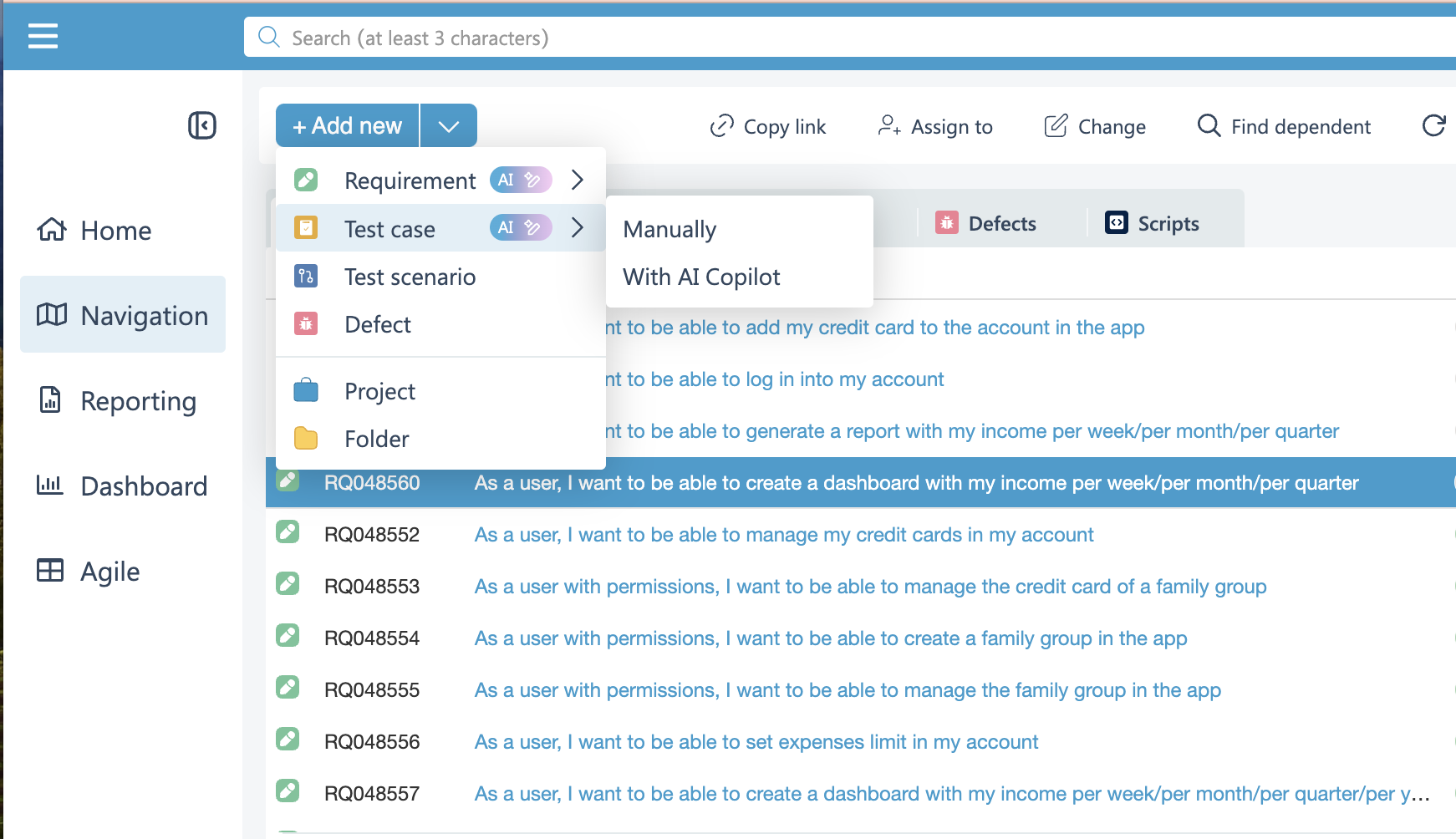
### Improved ticket creation flow when AI Copilot is available
Now adding new tickets is even easier when using our AI Copilot! Now whenever you need to create a ticket, you can do it with 2 clicks, either when сreating ticket manually or with AI Copilot.
*🚀 Say goodbye to dozen of clicks inputs!*
### Copy ticket links without the title
We’ve simplified sharing! When you copy a ticket link, it will no longer include the title, giving you a cleaner and more professional way to share tasks with your team.
*🔗 Just a link, nothing more—easy to share and easy to track.*
### Confirmation popup before finalizing test executions
Finalizing test executions just got safer. Before you complete a test run, a confirmation popup will appear, ensuring you don’t accidentally close it before you’re ready.
*🛡️ Double-check to avoid mistakes and keep your test data secure.*
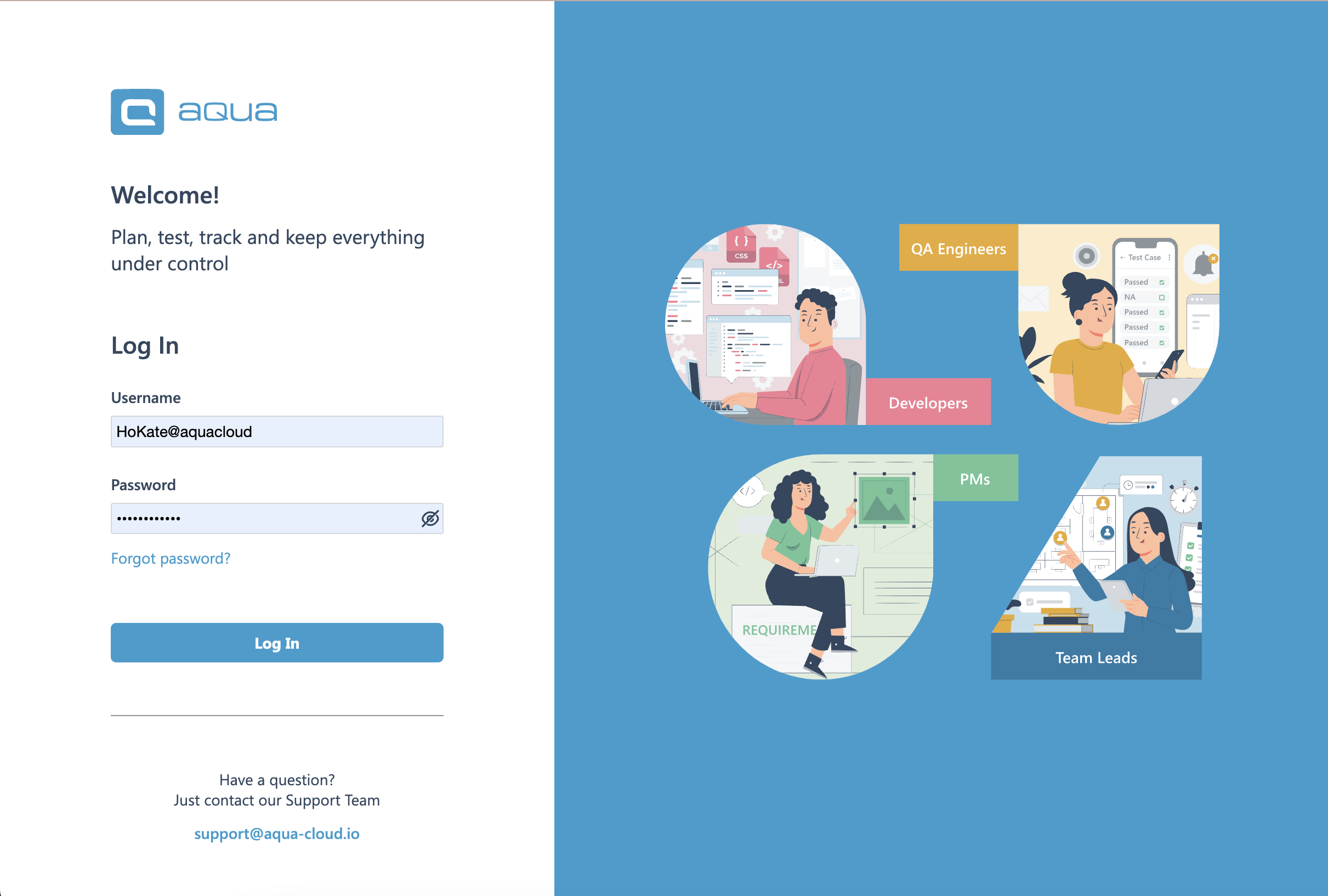
### Login page redesign
Get ready for a sleek new login experience! We’ve taken your feedback and redesigned the login page to be faster, more modern, and easier on the eyes. Your journey into aqua starts right from the moment you log in.
*💻 A fresh look for a smoother entry!*
{% hint style="success" %}
Each of these updates is aimed at making your aqua experience even better—whether it’s simplifying your daily tasks, ensuring accuracy, or making the platform more intuitive.
**Stay tuned for more enhancements coming your way!**
{% endhint %}
---
# Agent Instructions
This documentation is published with GitBook. GitBook is the documentation platform designed so that both humans and AI agents can read, navigate, and reason over technical content effectively. Learn more at gitbook.com.
## Querying This Documentation
If you need additional information that is not directly available in this page, you can query the documentation by asking a question.
Perform an HTTP GET request on the following URL with the `ask` and `goal` query parameters:
```
GET https://docs.aqua-cloud.io/documentation/product-updates-for-public-and-private-clouds-customers/product-updates/2024/24.88.0-public-and-private-clouds.md?ask=&goal=
```
`ask` is the immediate question: it should be specific, self-contained, and written in natural language.
`goal` is what the user is ultimately trying to achieve, the reason they need the answer. Sharing it helps GitBook give you a better, more relevant answer. A goal is most helpful when it describes the outcome the user wants rather than restating the question. For example, with `ask=how do I create an API token`, a goal like `automate deployments from our CI pipeline` lets GitBook tailor the answer to that use case.
The response will contain a direct answer to the question and relevant excerpts and sources from the documentation.
Use this mechanism when the answer is not explicitly present in the current page, you need clarification or additional context, or you want to retrieve related documentation sections.