
Item template (defaults)
You can define templates for new items, including text and field values. Thus, you can save time when creating new items. To create a template first create a new item. Define your default values, e.g for 'assigned to' and 'significance', and the default text.
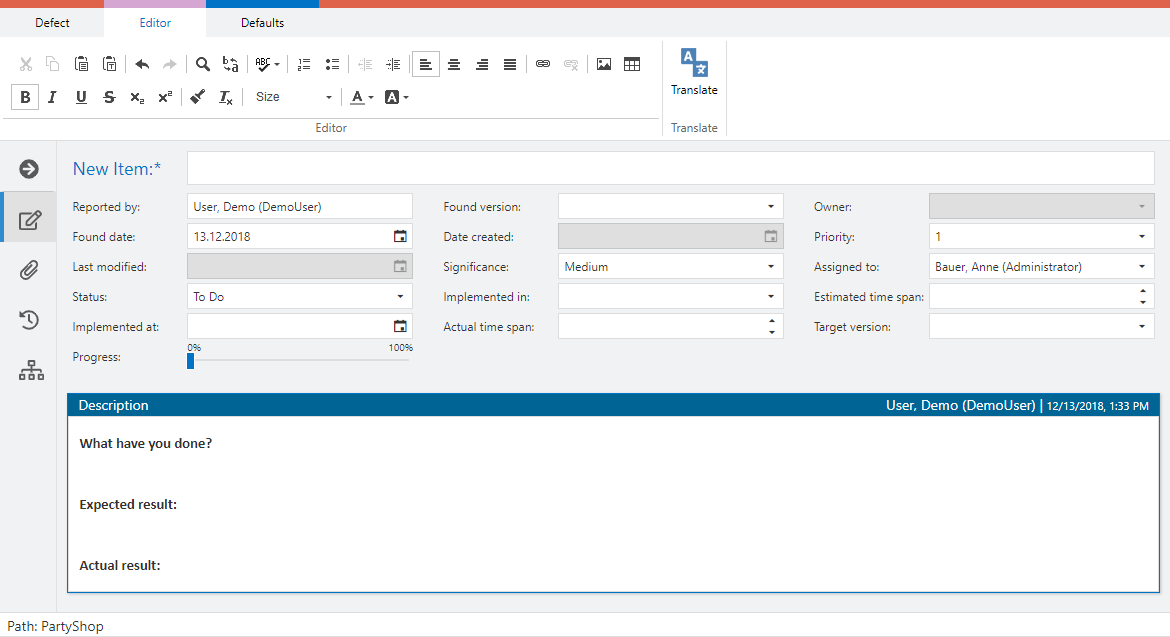
Now switch to the 'Defaults' tab. As an administrator you can save the template as project default or as your own default. Other users can only save defaults for themselves.
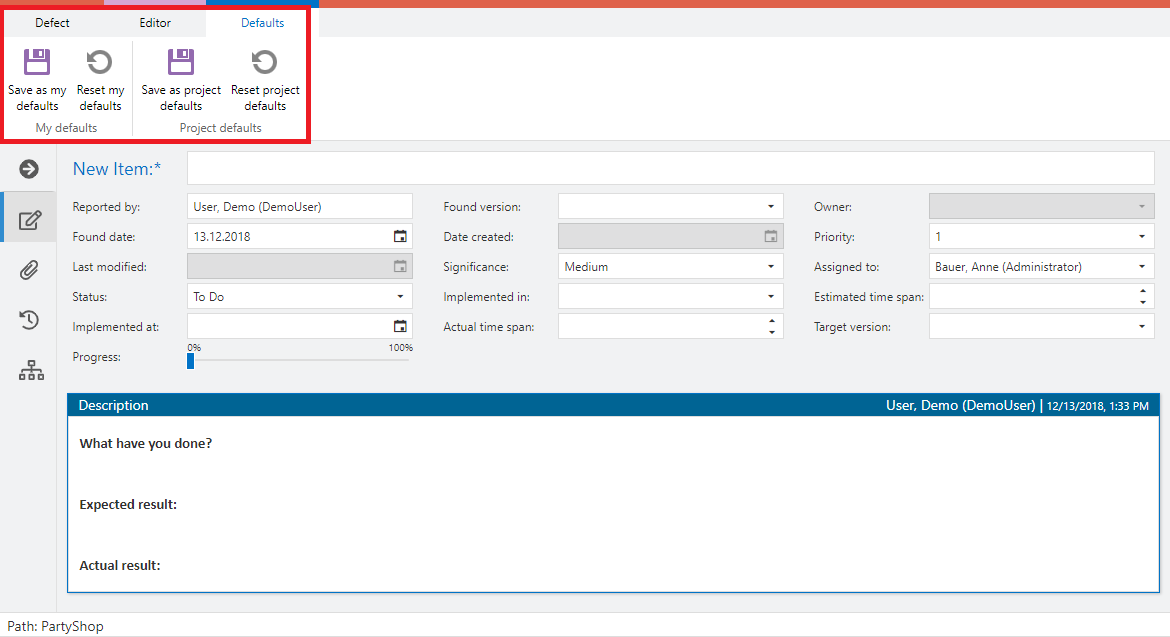
All new items with the same item type will now have the pre-selections as defined in the template.
Note: the templates overwrite the function Taking Over Field Values between Items. This means, for example, if you have configured a selection field with a shared value set and the same name in both test cases and defects, the value from the test case will not be taken over when creating defects from a test case, provided you have set a default value for this field in the defect. Furthermore you can also use both workflow and field rules to set limitations on fields. If you use more than one of these, the following behavior should be considered.
Last updated
Was this helpful?